Blog/Models
Text-to-video vs image-to-video: which starting point for which job
A still locks identity and composition and asks the model only for motion. Text leaves everything to the model. Which to start from for seven deliverables, what each gets wrong, and the third option.

Anvisha Pai, Co-founder & CEO, Voyager
11 min read·Sep 15, 2026
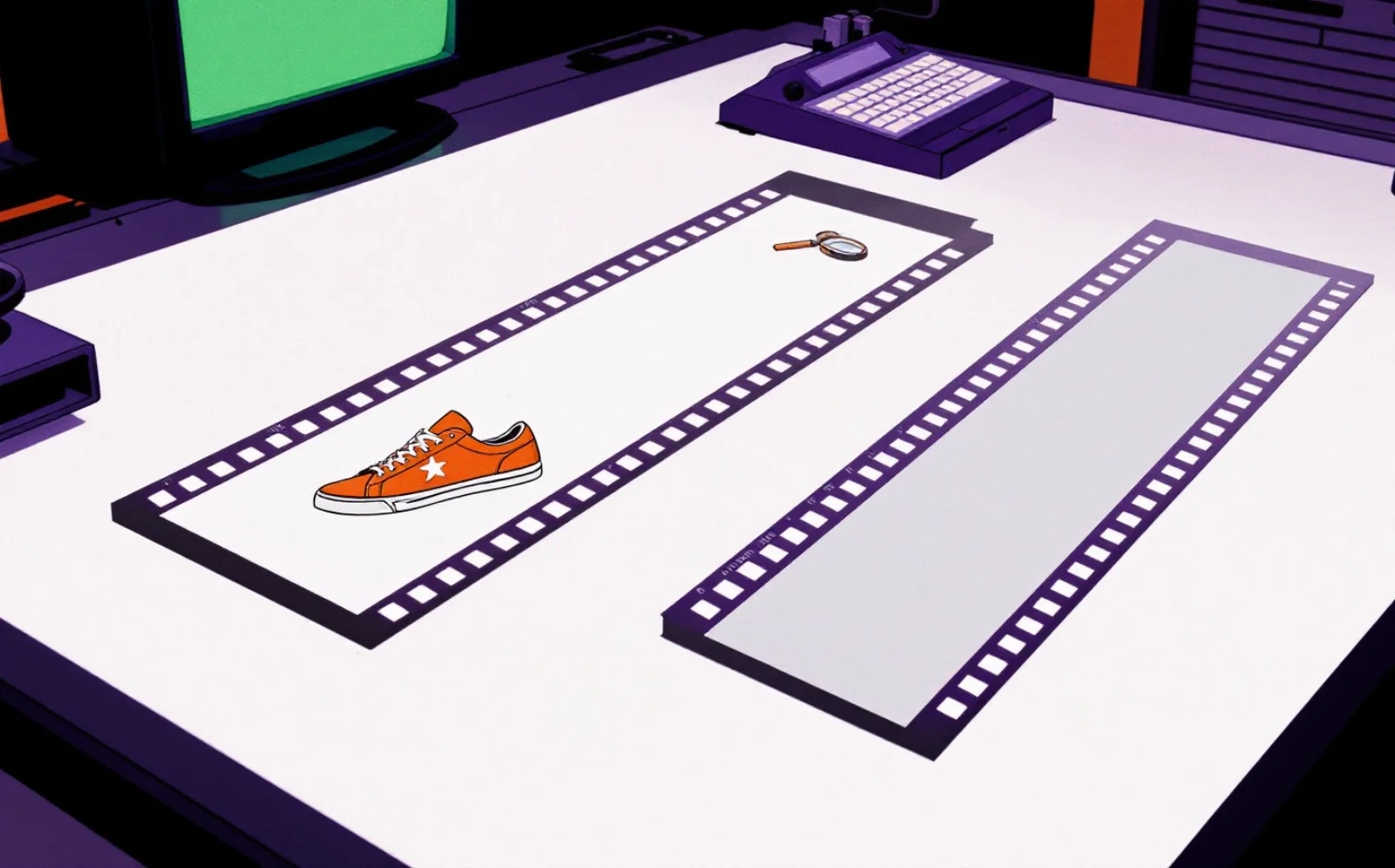
Start from an image when something in the frame has to be exactly right: a product, a face, a logo, a layout. Start from text when nothing does and you want the model's own composition. That is the short rule, and it holds most of the time. The three cases where it fails are the useful part: an image can pin the subject and still refuse to move it, a camera move can wander off the edge of the image into territory the model has to invent, and a rule written for one clip says nothing about the second clip. This post is about what each starting point actually locks, what it leaves to chance, and how the choice changes when you need a whole cut.
What each input fixes, and what it leaves free
When you give a video model a still, it does not look at the picture and describe it to itself. The image is encoded and fed into generation as the first frame. Fine detail is copied rather than re-imagined from words, which is why the label, the face and the layout survive. A CVPR 2026 paper on image-to-video motion found that the model locks onto the still's fine-grained detail "after just one denoising step" (Adaptive Low-Pass Guidance). That single fact explains both the strength and the main weakness of starting from an image.
Text gives the model nothing to copy. Everything visual, including identity, is decided fresh each run. That is the point when you want variety and the problem when you want the same product twice.
The full range of starting points, as the current models expose them:
| Starting point | Locks | Leaves to the model | Typical failure |
|---|---|---|---|
| Text only | Mood, subject class, camera intent | Everything visual, including identity | A different product or face every run |
| Single image (first frame) | Frame 0: identity, composition, lighting, label | All motion, and everything the camera reveals | Barely moves, or moves the wrong thing; invents what is off-frame |
| First and last frame | Frame 0 and frame N | The path between them | A cut instead of a move if the frames differ too much |
| Reference images | Who or what appears, across shots | Framing and motion | Softer identity than a first frame |
| Reference video | Timing, blocking, camera path, performance | Appearance, if you are swapping it | Single-subject limits; output length equals the source |
| Extend | Continuity from the last second | New content | Drift accumulates |
Every current flagship accepts a first frame. Most accept a first and last frame. The newest tier accepts bundles: Google's Veo 3.1 takes up to three reference images (Gemini API docs), Kling 3.0's Elements feature takes two to four (Kling), MiniMax's H3 up to nine images plus three video and three audio clips (MiniMax), Alibaba's Wan 3.0 ten images plus five videos and five audio clips (Alibaba Cloud), and ByteDance's Seedance 2.5 up to thirty images with ten video and ten audio references (ByteDance Seed). "Text versus image" is now the two ends of a dial for how much you pin down before generation.
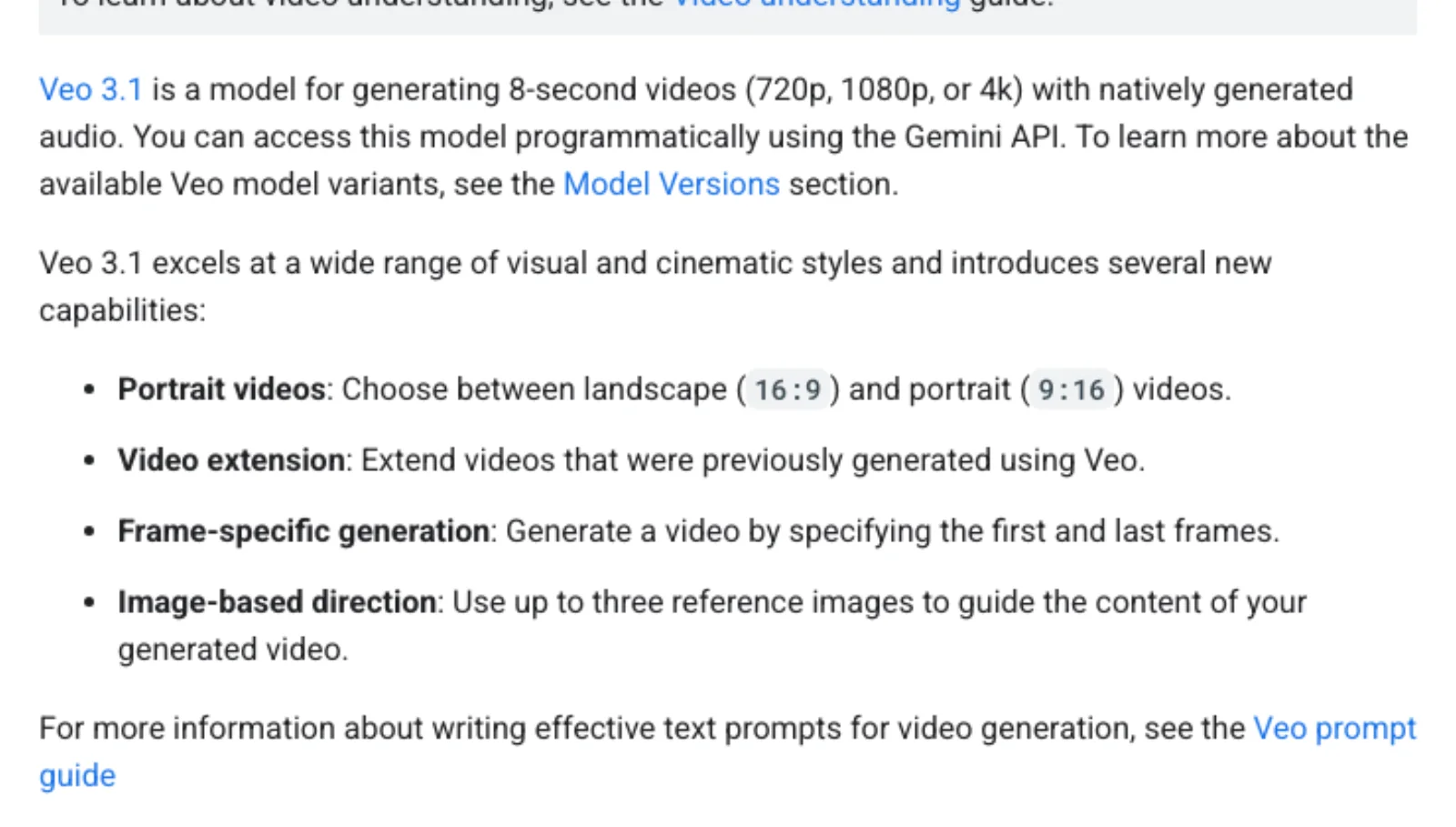
The input options on Google's Veo 3.1 documentation page. First frame, first and last frame, reference images and extension are now standard across the current models.
By deliverable
| Deliverable | Start from | Why | Expect this to go wrong |
|---|---|---|---|
| Product shot, specific SKU | The approved packshot; first and last frame for a turn or reveal; reference images to carry the SKU into other shots | Frame 0 copies the label, proportions and colour | The label drifts when the product rotates or leaves frame; a pull-back invents the room |
| Concept or mood piece | Text, on a model with native audio | Identity does not matter; variance is a feature | Nothing to fix; stop when one take lands |
| Talking presenter | An approved headshot plus lip-synced native audio, or a reference-video performance transfer | The face is fixed at frame 0; the performance comes from a human take | Drift on big expressions and on small faces |
| Logo or type animation | Neither. Generate a background plate from an image and overlay the mark in an editor | Text is the most fragile thing in every vendor's own caveats | Garbled glyphs, warped marks |
| UGC-style ad | A real phone photo of the product; a reference video for pacing; text only for cutaways | Authenticity is a specific product in a specific hand | The product changes between clips |
| Explainer | Text for B-roll, reference images for the recurring object, first and last frame for transitions; keep charts and text out of generation | Cheap variety where nobody checks identity | Extra objects appear; the set changes between clips |
| Social loop | First and last frame, with frame N close to frame 0 | Loops need the bookends to match | A visible cut when the bookends differ |
Two rows deserve a longer note.
Product shots. The image gets you the right product in frame 0. It does not guarantee the right product in frame 60, and the two places it fails are rotation and reveals. A packshot animated into a slow turn shows the model the front of the box and asks it to invent the sides. A pull-back starts inside the image and ends outside it. Kling's own camera guide puts it directly: a pull-back "needs a clear starting subject and a clear revealed environment. If the scene is too abstract, the model may not know what to reveal" (Kling). The practical rule: an image locks what is inside the frame, and anything the camera uncovers is text-to-video again. For a turn, give a first and last frame. For a reveal, either describe the room precisely or accept that it will be generated. And for lettering specifically, restore the type in the editor afterwards rather than trusting any model to hold it; Alibaba says of Wan 3.0 that on-screen text is "not yet where we want" (Alibaba Cloud blog), and that is the candid version of what every vendor's caveats say.
Presenters. A headshot plus a model with native speech, such as Kling 3.0 or Veo 3.1, gets you a fixed face and generated delivery. A reference video, through Runway's Act-Two or Kling's Motion Control, gets you a real performance mapped onto the face (Runway changelog, Kling Motion Control). Identity drift within a clip is worst with large expression changes and when the face is small in frame; a CVPR 2026 paper on identity-preserving generation documents both (arXiv 2510.14255). Frame the presenter large and keep each clip short.
Where image-to-video fails
It barely moves. The same first-frame conditioning that preserves the still also pulls the model toward keeping it. The Adaptive Low-Pass Guidance paper describes a "shortcut trajectory that overfits to the static appearance of the reference image" and measures a drop in motion on standard benchmarks for image-conditioned generation compared with text (ALG). When your clip looks like a photograph with a slight breeze, this is why. Prompting for motion explicitly helps. So does choosing a still with implied motion: a figure mid-stride animates more readily than one standing square to camera.
The prompt fights the image. Re-describing what is in the still gives the model two versions of the subject, and they disagree. PixVerse's prompt guide describes the result as silhouette changes, material alteration and repositioned detail, and recommends the fix every vendor converges on: prompt only the motion and constraints, never the appearance the image already carries (PixVerse). Runway's guide says the same: image-to-video prompts should describe motion, not re-describe the image (Runway Academy).
The camera reveals what the image never showed. Covered above, and worth repeating as a rule: the more the camera moves, the less the image is doing.
First and last frames that do not match. Kling's guidance on start and end frames is that the two images should be "as similar as possible, as significant differences may cause a lens switch" (Kling), meaning the model cuts between them instead of moving between them. Bookends work for a turn, a lighting change or a loop. They do not work as a substitute for two shots.
Where text-to-video fails
Any repeatable identity. Any legal copy. Any shot two.
The first is the obvious one: a real product, a real face or a real logo will not survive a text prompt, because there is nothing to copy from. The second follows from it: if the brief says the claim on the pack must read exactly as approved, it cannot come from generation. The third is the one that catches people who have had one good result. Text-to-video is judged on a single clip, and a single clip can be excellent. The second clip, from the same prompt, is a different product in a different room. Text is the right starting point for the shots where that does not matter, which is more of them than you might think: establishing shots, texture, abstract motion, cutaways, anything nobody will compare frame to frame.
The third option: a reference video
When the thing you need is a move rather than a look, neither text nor a still can describe it. A reference video can. There are three distinct jobs here, and they are often lumped together:
- Performance or motion transfer onto an image. A human take drives a character or a product. Runway's Act-Two takes a performance video and a character image (Runway); Kling's Motion Control takes a 3 to 30 second reference video and a character image, and requires a single, fully visible subject (Kling). Output length follows the source.
- Restyle or edit an existing clip while keeping its motion. Luma's Modify Video keeps the source's motion and swaps appearance, up to 20 seconds, with output matching the source length (Luma). Runway's Aleph 2.0 edits a frame and propagates it (Runway).
- Reference bundles that borrow pacing, style or voice without copying frames: the Seedance, H3 and Wan 3.0 inputs listed above.
Choose a reference video when timing or a human performance is the thing you cannot put into words. Expect single-subject constraints and a duration cap.
What this means for a multi-shot cut
Most real jobs use all of the above, and the decision is per shot, not per project. A workable sequence:
- Settle the subject as reference images before generating any video: the product renders, the presenter's headshot, the recurring object.
- Make one still per shot from those references, so composition and identity are decided while they are cheap to change.
- Animate each still with image-to-video, prompting only for motion.
- Chain shots by feeding one clip's last frame as the next clip's first frame, or by extending. Veo 3.1 extends by seven seconds up to twenty times, at 720p (Gemini API docs).
- Keep clips short and re-anchor often. Drift compounds within a clip, so a cut every few seconds costs less than a long take that wanders. This only pays off if the tool keeps each shot separate afterwards, which is the first of the four questions to ask any tool.
The alternative is a single-pass multi-shot generation: Kling 3.0's storyboard mode, or the 30-second single passes that Seedance 2.5 and Wan 3.0 now offer. Less control per shot, one run instead of eight. It suits concept pieces and suits product work poorly, for the same reasons as text-to-video.
This is the work an agent is for: holding the reference set, deciding the starting point per shot, and re-anchoring automatically. It is also why a brief names the assets that are fixed: those become the references, and everything else becomes text. Voyager plans at that level. It does not change what any model accepts, and it is in private preview, so treat the sequence above as the method and the product as one way to run it.
One model to leave off the list: OpenAI's Sora app and web service were discontinued in April 2026, with the API following in September (OpenAI). Any recommendation of it is out of date.
Frequently asked questions
Is image-to-video better than text-to-video? It locks the first frame. That is better only when you have a frame worth locking: a product, a face, a composition you have already approved. For a mood piece or a cutaway, the lock is a constraint you do not need.
Why does my image-to-video clip barely move? Because the same mechanism that preserves your still also biases the model toward keeping it still. Prompt the motion explicitly, pick a source image with motion implied in it, and do not re-describe the subject in the prompt.
How do I keep the same product or character across several clips? With reference images, not descriptions. Generate a still per shot from the same references, animate each one, and chain them by last frame or extension. Keep each clip short so drift has less time to accumulate.
When does first-and-last-frame beat a single image? For a turn, a transition, a before-and-after, or a loop, where you know both ends and want the model to find the path. It fails when the two frames are too different to be one shot, in which case you get a cut.
What does a reference video actually control? Timing, blocking, camera path and, for performance transfer, the acting. It does not control appearance unless the tool is a restyle. Expect one subject, fully visible, and an output as long as the source.
Why does the label change when the product turns or the camera pulls back? The image only fixed the side of the product you showed and the part of the room inside the frame. Rotation and reveals ask the model to invent the rest. Use a first and last frame for turns, describe the reveal precisely, and restore lettering in the editor.
