
 Read Markdown
For composition in Logic Pro, a MIDI file is often the easiest agent handoff: inspect the notes, import the file and choose the instrument yourself. For transport, track selection or other actions in an open project, a community MCP server can connect several macOS control mechanisms. Neither route gives an agent unrestricted access to Logic's arrangement.
Scripter is a third option for generating or transforming MIDI inside one track. This guide separates those jobs, compares the community servers and provides file and script examples. Repository details are dated 17 September 2026; setup and examples are documentation-based unless a result is explicitly identified as tested.
Jump to: client setup · route comparison · MIDI example · Scripter
Connecting a client
Both serious servers speak stdio and install as a single binary. For MongLong0214's server on Claude Code (README):
brew tap MongLong0214/logic-pro-mcp https://github.com/MongLong0214/logic-pro-mcp
brew install logic-pro-mcp
claude mcp add --scope user logic-pro -- LogicProMCP
LogicProMCP --check-permissions
--scope project writes a .mcp.json at the repository root instead, and the same JSON works for Cursor (Claude Code docs):
{
  "mcpServers": {
    "logic-pro": {
      "type": "stdio",
      "command": "LogicProMCP"
    }
  }
}
Claude Desktop takes the same entry, without type, in ~/Library/Application Support/Claude/claude_desktop_config.json, with the full path to the binary. Codex registers it with codex mcp add logic-pro -- LogicProMCP, or in ~/.codex/config.toml (OpenAI Codex docs):
[mcp_servers.logic-pro]
command = "LogicProMCP"
Then the Logic-side steps no installer can do: open a project, add a Mackie Control in Logic Pro > Control Surfaces > Setup with both ports set to LogicProMCP-MCU-Internal, and grant Accessibility, Automation and Input Monitoring to whichever app launches the server (your terminal for Claude Code and Codex, the Claude app for Claude Desktop). The first prompt to send is the README's: "check Logic Pro MCP health and show all ready channels". koltyj's server follows the same recipe minus the MCU step.
Without a server, the MIDI file route needs only a client that can execute a script, and the Keyboard Maestro route needs only osascript -e 'tell application "Keyboard Maestro Engine" to do script "Bounce stems"' from a shell (Keyboard Maestro wiki), with the macro doing the clicking.
What Apple actually exposes
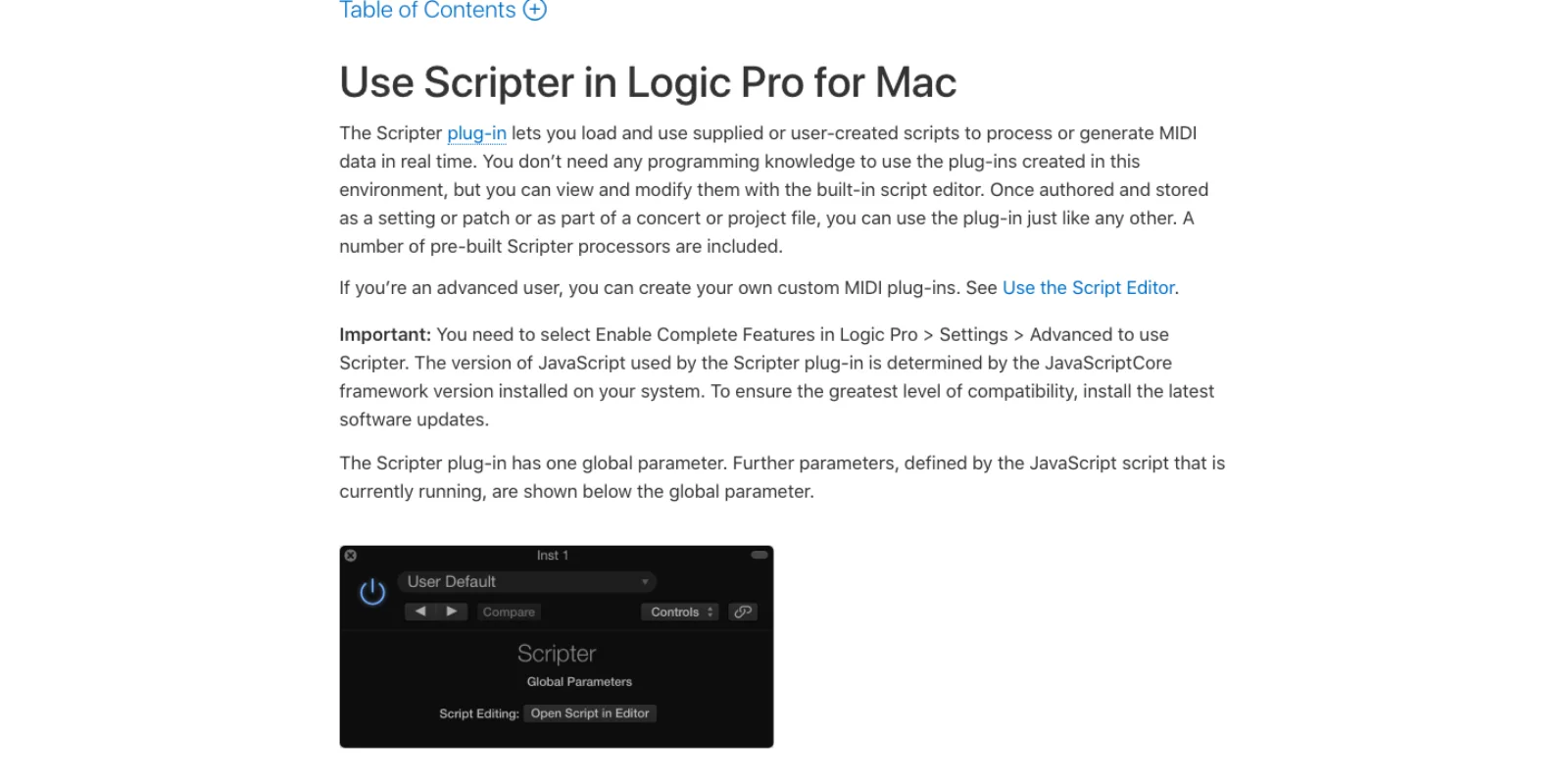
Scripter is the one place Apple lets you run code inside Logic: a MIDI effect plug-in that "lets you load and use supplied or user-created scripts to process or generate MIDI data in real time", with a built-in Script Editor, requiring Enable Complete Features in Logic Pro > Settings > Advanced (Apple, Use Scripter). The API is six callbacks: HandleMIDI for every incoming event, ProcessMIDI once per audio block for tempo-driven work, plus GetParameter, SetParameter, ParameterChanged and Reset (Apple, Scripter MIDI processing functions). With NeedsTimingInfo = true at global scope, GetTimingInfo() returns transport state, tempo and beat position (Apple, ProcessMIDI). It cannot read or write regions, tracks, the mixer, other channel strips or the project. It is a MIDI filter with a clock, stored inside the project, with no path an agent can write to from outside.
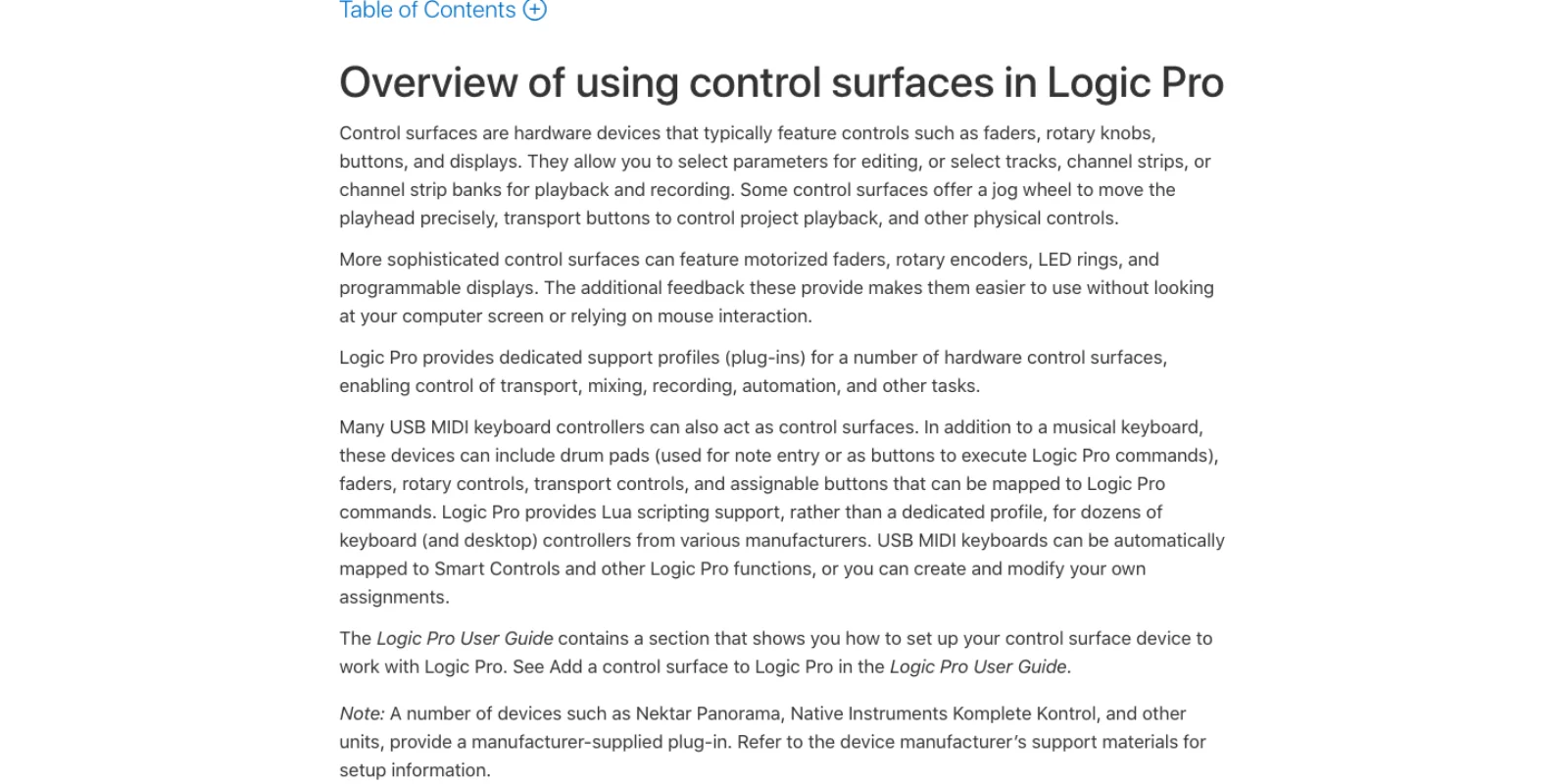
Control surfaces are the second door, and the one the serious servers lean on. Logic ships a profile for the Mackie Control, which "is automatically detected when you open Logic Pro" and covers transport, fader banks and channel strip parameters (Apple, Mackie Control overview). The protocol is plain MIDI on an input and output port, so any process with a virtual MIDI port can present itself as a Mackie Control, move faders and receive Logic's feedback, which is the only documented way to read a fader position back. Logic also speaks OSC for apps like TouchOSC: UDP and IPv4 only, normalized floats from 0.0 to 1.0, paths editable in Controller Assignments (Apple, OSC Message Paths), and it maps dozens of USB keyboard controllers through Lua scripts rather than dedicated profiles (Apple, Control surfaces overview).
Key commands from MIDI turn the same virtual port into a trigger for any of Logic's hundreds of commands: Learn New Assignment in the Key Commands window binds an incoming MIDI message to a command (Apple, Assign controller buttons to key commands). An agent sends the message; a human does the binding once.
Standard MIDI files are the no-server route. Logic imports and exports format 0 and 1 files carrying events, track names, markers and tempo changes. File > Import > MIDI File places a file at the playhead, and File > Open creates a new project in which Logic "automatically creates software instrument tracks for each MIDI track, and assigns an appropriate GarageBand instrument to each" (Apple, Standard MIDI files). Export is File > Export > Selection as MIDI File (Apple, Export MIDI regions).
Final Cut Pro XML and AAF are the audio interchange routes. Logic imports Final Cut Pro XML with volume and pan automation retained and exports with instrument tracks bounced and MIDI dropped (Apple, Final Cut Pro XML files); AAF imports "multiple audio tracks, inclusive of references to tracks, time positions, and volume automation" (Apple, AAF files). Neither carries instruments, MIDI or plug-in chains.
The project bundle is where not to go. A .logicx package holds a ProjectData file in an undocumented binary; the most complete public reverse-engineering effort puts about 60 percent of it as understood (logicx-analyzer). Nothing here writes to it.
What is missing. Apple's Logic Pro 11 release notes mention MIDI 2.0, OSC tabs in Controller Assignments and ChatGPT-backed Writing Tools, but nothing about AppleScript, Shortcuts or App Intents (Apple, Logic Pro 11 release notes); the Logic Pro 12 notes, current at 12.3.1, are the same (Apple, Logic Pro for Mac release notes). I found no Apple documentation of an AppleScript dictionary or Shortcuts actions, and none of the servers below use AppleScript beyond launch, quit, open and keystrokes through System Events. The koltyj server states it plainly: "Logic Pro does not expose a programmatic API" (README).
The routes side by side
| Route | How it reaches Logic Pro | Needs Logic running | Can read state back | Can write notes | Can move the mixer | Survives Logic updates |
|---|---|---|---|---|---|---|
| Standard MIDI file | Agent writes a .mid, you open or import it | No (for the write) | No | Yes, exact | No | Yes, 1990s format |
| Scripter | JavaScript inside a MIDI FX slot, pasted by you | Yes | Only MIDI and the clock | Yes, in real time | No | Yes, documented API |
| Virtual MIDI port | CoreMIDI: notes, CC, MMC transport, learned key commands | Yes | No | Yes, live | Only via learned CCs | Yes |
| Mackie Control emulation | Virtual port registered as a Mackie Control | Yes | Faders, transport, selected strip | No | Yes, with feedback | Yes, documented protocol |
| OSC | UDP to Logic's OSC control surface | Yes | Feedback for assigned parameters | No | Yes | Yes, but setup by hand |
| Accessibility (AX) | macOS accessibility tree: labels, buttons, sliders | Yes, in front | Tracks, mixer values, plug-in windows in Controls view | No | Yes | Until the UI tree changes |
| AppleScript with System Events | Key commands and menu items by keystroke | Yes, in front | No | No | No | Mostly |
| Keyboard Maestro | Macros triggered by osascript, no server | Yes | Whatever the macro reads | No | Yes, by clicks | Mostly |
| FCP XML or AAF | Audio and automation interchange files | No | No | No | Volume and pan on import | Yes |
| Computer use | Screenshots, mouse, keyboard | Yes, on screen | By looking | Slowly | Yes, slowly | Yes |
Every MCP server below is a subset of the first eight rows with a dispatcher on top. What separates them is which rows they use for reads; writing to Logic is easy, knowing whether the write landed is not.
The servers, checked on 17 September 2026
Stars, last push and releases are from the GitHub API on that date.
| Server | Author | Stars | Last push | Releases | Licence | Channels | Tools |
|---|---|---|---|---|---|---|---|
| logic-pro-mcp | koltyj | 102 | 5 Sep 2026 | v0.1.0, 16 Feb 2026 | MIT | CoreMIDI, AX, CGEvent, AppleScript, OSC | 8 dispatchers, 7 resources |
| logic-pro-mcp | MongLong0214 | 93 | 17 Sep 2026 | 59, latest v3.16.0, 8 Sep 2026 | MIT | MCU, AX, AppleScript, CoreMIDI, CGEvent, Scripter, MIDI key commands | 10 tools, 18 resources, 12 templates |
| che-logic-pro-mcp | PsychQuant | 10 | 19 Jan 2026 | none | none | AppleScript keystrokes, virtual MIDI, Scripter templates | About 45 |
| Logic-Pro-MCP | aircrack-ng-debug | 5 | 17 Feb 2026 | none | none | AppleScript, AX via a Swift helper, node-midi | 35 |
| logicx-mcp | audiohacking | 3 | 21 May 2026 | dev | Apache-2.0 / MIT | An AU plug-in inside Logic talking to a local Ollama model, AX via a companion app | Transport, tracks, MIDI, mixer |
| logic-pro-mcp | qinnovates | 2 | 1 Apr 2026 | none | MIT | CoreMIDI, CGEvent, AX, AppleScript, OSC | 8 |
| rubin | mrcolo | 1 | 17 Jul 2026 | none | MIT | Standard MIDI files, on-disk patch index, AX only for import, patch loading and transport | About 20 |
| logician-mcp | BanneBanning | 0 | 12 Sep 2026 | v1.0.0-beta.1 | MIT | MCU port, AX, bounce and return audio | 81 |
| logic-pro-codex-mcp | Jiinn-hhhh | 0 | 4 Aug 2026 | none | MIT | AX with readback, Logic-native functions first | Not stated |
Not in the table: timastras9/apple-creator-mcp wraps launch, open and export for every Apple Creator Studio app; pixelnerve/logic-pro-mcp, which some directories list as its own project, is a one-star fork of MongLong0214's server; four more repositories have no README worth reading.
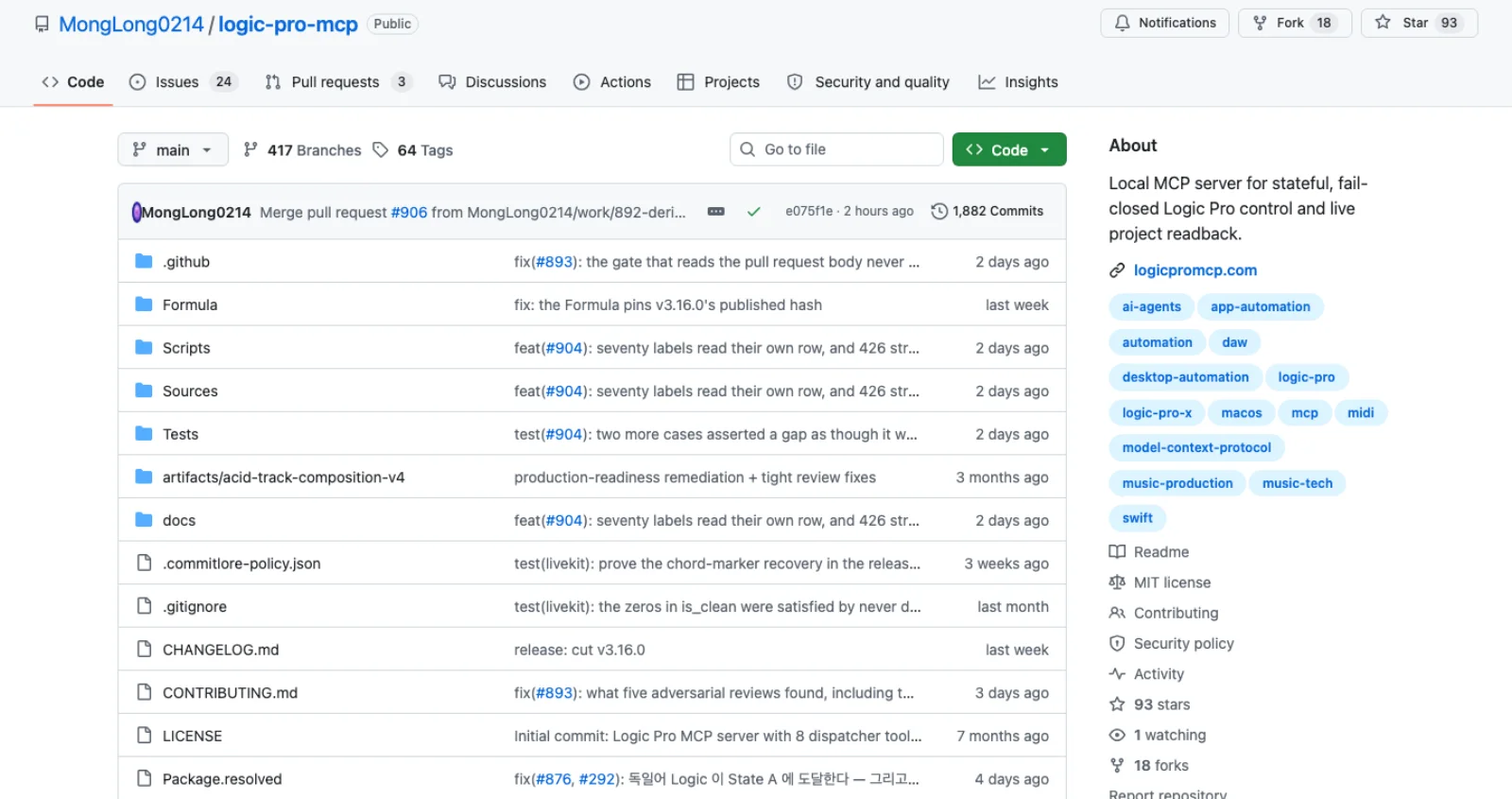
MongLong0214's logic-pro-mcp is the most developed: created in April 2026, 59 releases, 1,882 commits, pushed on the day of writing. Its design choice is verification. Every mutating operation returns confirmed, uncertain or failed "instead of being reported as success", and reads live in resources such as logic://tracks and logic://mixer (README). Two of its seven channels are unique. The MCU channel registers a virtual port named LogicProMCP-MCU-Internal, which you add in Logic as a Mackie Control, giving it fader echo. The Scripter channel is a bundled script for what the README calls "legacy parameter writes". It generates Standard MIDI files server-side and imports them, loads patches by on-disk path, and bounces and exports stems through Logic's own menus. Its stated limits: set_send is not exposed, plug-in parameter readback is unsupported beyond a verified Compressor threshold, and Logic 12.2 stopped importing the key command plist, so those bindings are manual. It targets Logic 12.3 with 12.0.1 as the floor, installs from a Homebrew tap that pins a SHA-256, and ships a doctor command that names which of the four permissions it needs (Accessibility, Automation for Logic, Automation for System Events, Input Monitoring) are missing.
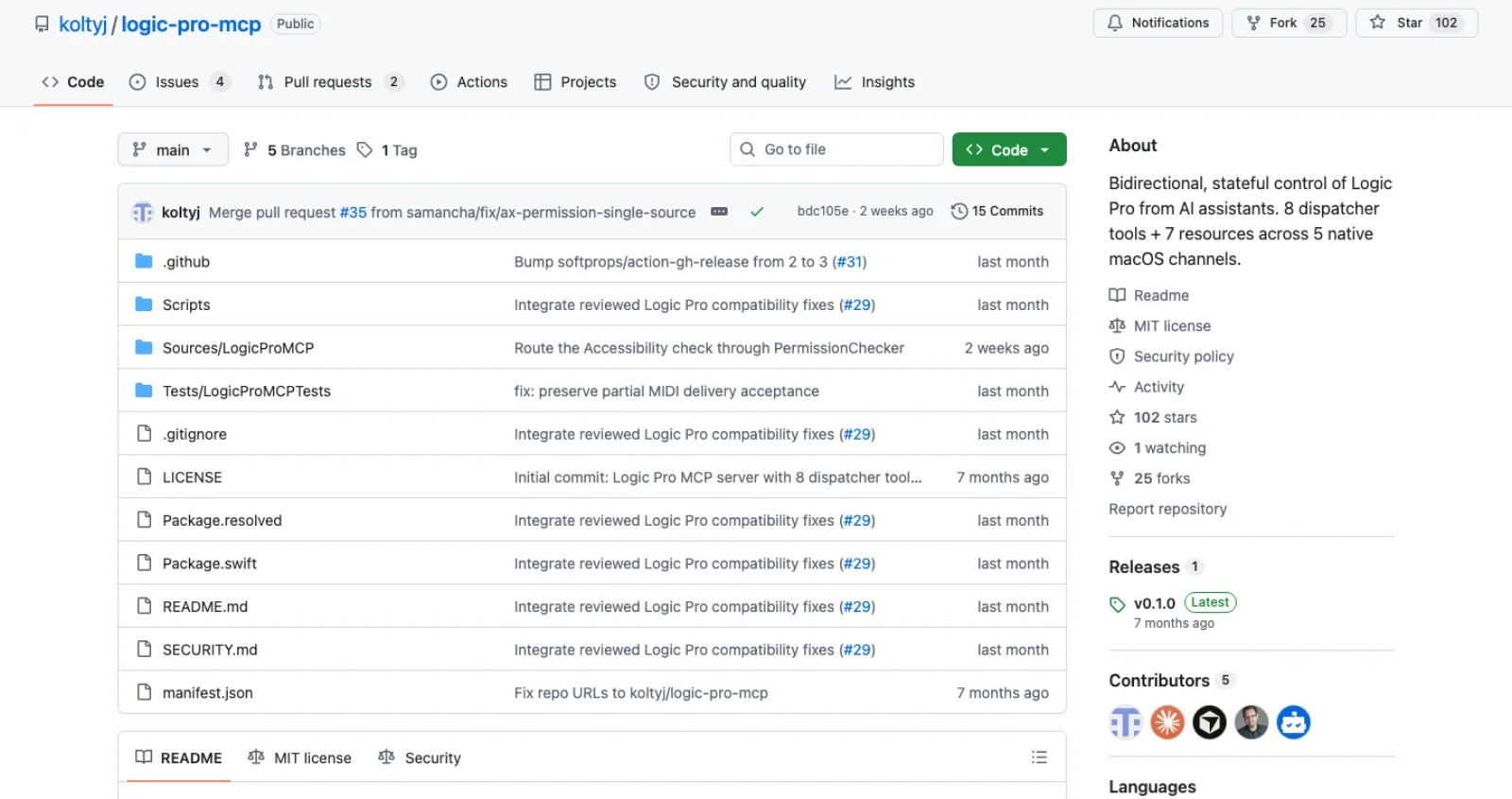
koltyj's logic-pro-mcp is the earlier, more starred design: eight dispatcher tools and seven resources in about three thousand tokens of context, routed across CoreMIDI for transport and notes, Accessibility for state and sliders, CGEvent for shortcuts, AppleScript for launch and quit only, and OSC for the mixer if you configure Logic's OSC surface (README). Its limitations section is the most honest paragraph in the ecosystem: UI element paths change between Logic versions, automation curves and region MIDI data are not exposed through Accessibility, labels are localized, and plug-in control is limited to what is visible. One release from the day it was created, fifteen commits. Read it for the architecture; it is a thinner bet to run.
rubin takes the opposite stance and is the one to read if you mostly want to compose. Its premise is that "UI-automation-first tools (clicking Logic's interface for every note) fail silently and read garbage state", so composition is a Standard MIDI file and the UI is touched only to open the file, load a patch and press play (README). Its find_patches tool indexes the roughly six thousand factory patches on disk by name, category and synth engine. One star and no push since July; a weekend project with the right idea.
logician-mcp is the newest, pushed last week, and adds the one thing nobody else has: it bounces a range and returns the audio to a client that can hear, so a model with audio input can "listen, understand, propose, approve, change, listen again" (README). Zero stars and a beta tag; watch it.
The rest are early or stopped. che-logic-pro-mcp and aircrack-ng-debug/Logic-Pro-MCP were each created and last pushed on a single day, without a licence; qinnovates shares koltyj's channel diagram and was pushed once; logicx-mcp is an Audio Unit that chats with a local Ollama model, not a server for Claude Code; logic-pro-codex-mcp has one day of history. The commercial LIA assistant says on its own site that "Logic Pro is not a live Bridge integration today" (LIA).
The MIDI file route, worked through
This route works with any client that can run a script, needs no server and no permissions, and produces a file you can inspect before Logic sees it. Suppose the brief is "four bars at 92 BPM, a warm pad on Am7, Fmaj7, Cmaj7, G7, a synth bass on the root, and a basic kick, snare and hat pattern". An agent can write a format 1 file with the Python standard library alone:
import struct

PPQ, BPM = 480, 92
CHORDS = [("Am7", 57, [0, 3, 7, 10]), ("Fmaj7", 53, [0, 4, 7, 11]),
          ("Cmaj7", 48, [0, 4, 7, 11]), ("G7", 55, [0, 4, 7, 10])]
KICK, SNARE, HAT = 36, 38, 42          # General MIDI drum map, channel 10

def vlq(n):                            # MIDI variable-length quantity
    out = [n & 0x7F]
    while n > 0x7F:
        n >>= 7
        out.insert(0, (n & 0x7F) | 0x80)
    return bytes(out)

def track(events, name):
    events.sort(key=lambda e: e[0])
    data, last = b"\x00\xff\x03" + vlq(len(name)) + name.encode(), 0
    for t, msg in events:
        data += vlq(t - last) + msg
        last = t
    data += b"\x00\xff\x2f\x00"
    return b"MTrk" + struct.pack(">I", len(data)) + data

def note(ch, pitch, vel, start, length):
    return [(start, bytes([0x90 | ch, pitch, vel])),
            (start + length, bytes([0x80 | ch, pitch, 0]))]

bar = PPQ * 4
tempo = [(0, b"\xff\x51\x03" + struct.pack(">I", 60_000_000 // BPM)[1:]),
         (0, b"\xff\x58\x04\x04\x02\x18\x08")]
pads, bass, drums = [], [], []
for i, (name, root, intervals) in enumerate(CHORDS):
    start = i * bar
    pads.append((start, b"\xff\x06" + vlq(len(name)) + name.encode()))  # marker
    for iv in intervals:
        pads += note(0, root + 12 + iv, 72, start, bar - 20)
    for beat in range(4):
        bass += note(1, root - 12, 90 if beat == 0 else 76, start + beat * PPQ, PPQ - 40)
        drums += note(9, HAT, 60, start + beat * PPQ, PPQ // 4)
        drums += note(9, HAT, 44, start + beat * PPQ + PPQ // 2, PPQ // 4)
    for beat in (0, 2):
        drums += note(9, KICK, 100, start + beat * PPQ, PPQ // 2)
    for beat in (1, 3):
        drums += note(9, SNARE, 96, start + beat * PPQ, PPQ // 2)

program = lambda ch, p: (0, bytes([0xC0 | ch, p]))
tracks = [track(tempo, "Tempo map"),
          track([program(0, 89)] + pads, "Pads"),     # GM 90, warm pad
          track([program(1, 38)] + bass, "Bass"),     # GM 39, synth bass
          track(drums, "Drums")]                      # channel 10, GM drums
with open("brief.mid", "wb") as f:
    f.write(b"MThd" + struct.pack(">IHHH", 6, 1, len(tracks), PPQ) + b"".join(tracks))
We ran this exact Python example on 17 September 2026 and independently parsed the resulting MIDI chunks. It produces an 812-byte format 1 file at 480 ticks per quarter note: a tempo map at approximately 92 BPM, 16 pad notes on channel 1, 16 bass notes on channel 2 and 48 drum notes on channel 10. The four markers read Am7, Fmaj7, Cmaj7 and G7, matching the seventh chords in the note data.
Download the generated MIDI file. This verifies file generation and event structure. Logic Pro was not installed on the test machine, so the import behavior and instrument assignment below remain documentation-based; we have not judged the playback.
Getting it in is one of three documented moves. File > Open on the .mid creates a new project with a software instrument track per MIDI track and a GarageBand instrument on each; you swap patches from the Library, and any drum kit works because notes 36, 38 and 42 are kick, snare and closed hat in every General MIDI kit. File > Import > MIDI File drops the tracks into an existing project at the playhead; dragging the file into the Tracks area places it at the pointer. The markers land in the marker track, so the chord names become navigation points.
What this route cannot do is the mixing. Instruments, plug-in chains, sends and automation other than MIDI CC are not in the file. rubin's answer is a patch index; MongLong0214's is set_instrument after the import. Without either, you assign patches by hand, which for four tracks takes a minute.
A Scripter example an agent can write
Scripter is the route for anything that should react to your playing in real time: the agent writes the JavaScript, you paste it into the Script Editor and press Run. This script layers a second note above whatever you play, at an interval, delay and velocity set from three sliders Logic draws from the PluginParameters array (Apple, Create Scripter controls):
var PluginParameters = [
  { name: "Interval", type: "lin", minValue: 0, maxValue: 12, defaultValue: 7, numberOfSteps: 12 },
  { name: "Delay ms", type: "lin", minValue: 0, maxValue: 120, defaultValue: 30, numberOfSteps: 120 },
  { name: "Layer velocity %", type: "lin", minValue: 10, maxValue: 100, defaultValue: 60, numberOfSteps: 90 }
];

function HandleMIDI(event) {
  event.send();                                  // pass the original through
  if (event instanceof Note) {                   // NoteOn and NoteOff
    event.pitch = Math.min(127, event.pitch + GetParameter("Interval"));
    if (event instanceof NoteOn) {
      event.velocity = Math.max(1, Math.round(event.velocity * GetParameter("Layer velocity %") / 100));
    }
    event.sendAfterMilliseconds(GetParameter("Delay ms"));
  }
}
The pattern follows Apple's own tutorial script, which sends the original event, transposes a note an octave and sends it again after a delay (Apple, HandleMIDI function). NoteOff events are Notes too, so the layered note ends when the played note does. Insert Scripter in the MIDI FX slot of a software instrument track, click Open Script in Editor, paste, run, and save the project. For tempo-locked work such as an arpeggiator, add var NeedsTimingInfo = true; and read GetTimingInfo() in ProcessMIDI. Scripter still sees only its own track; a server that ships a Scripter insert is using it as a side channel into one channel strip.
Which route for which job
| Job | Route | Why |
|---|---|---|
| Sketch a chord progression, bass line and drum pattern from a text brief | Standard MIDI file, then File > Open or Import | Exact, reviewable, no permissions, and the markers carry the chord names |
| Load the right patches on those tracks | rubin's patch index or MongLong0214's set_instrument | The factory library is on disk; searching it beats clicking through the Library |
| A generative or reactive MIDI effect while you play | Scripter, script written by the agent | The only in-process code path Apple documents, and it runs at audio-block timing |
| Transport, tempo, cycle, markers from a chat | Either serious server | Both route these through CoreMIDI or accessibility with readback |
| Set fader levels and pans and know they landed | MongLong0214 (MCU echo plus AX readback) | Mackie Control feedback and same-surface reads are the only verified writes |
| Change a stock plug-in parameter | MongLong0214 logic_plugins where verified; AX in Controls view otherwise | Parameter readback is the weak point of every route; expect uncertain results |
| Bounce, export stems, listen and iterate | MongLong0214 for the export; logician-mcp if your client can hear audio | Bouncing is a menu sequence with a dialog, and only one project returns the render |
| Fire a long menu sequence on a schedule, no agent judgment needed | Keyboard Maestro or AppleScript with System Events | Cheap and stable; brittle only when a menu moves |
| Music to picture, cues placed against a Final Cut edit | Final Cut Pro XML in, XML or AAF out | Placement and volume automation travel; MIDI and instruments do not |
| Anything in a dialog, a plug-in with a custom UI, or Session Player settings | Computer use | Anthropic's computer-use tool drives screenshots, mouse and keyboard, and its docs say to sandbox it and confirm high-impact actions (Anthropic docs) |
A pairwise rule: MongLong0214 if you want the agent to act on an open project and be told when it failed; koltyj if you want the smallest tool surface and will treat its limitations list as the contract. The MIDI file route sits under both, and is the one to reach for first when the job is making notes rather than moving faders.
An honest maturity read
The ecosystem is seven months old. Nine repositories have a README; two have more than ten stars; one has a release cadence. Five were created and abandoned on the same day. The route every server depends on for reads, the accessibility tree, is the one Apple changes most freely: MongLong0214's version policy says "the Accessibility/UI tree shifts between releases, so the newest version is where fixes land first", and Logic has shipped 12.0, 12.2, 12.3 and 12.3.1 this year (README, Apple release notes).
What is durable is what Apple documents: Standard MIDI files, Scripter, the Mackie Control protocol, OSC, and key commands learned from MIDI. A server built on those will outlive one built on element paths. An official route is not coming on current evidence: Apple's answer to AI in Logic is Session Players, Stem Splitter, the Mastering Assistant and ChatGPT-backed lyric help, all inside the app and none scriptable, while Blackmagic shipped a native MCP server in DaVinci Resolve 21.1 this month.
Security notes
- Permissions are per host app, not per server. Grants to Terminal apply to every process Terminal launches. Use a dedicated terminal or user account for agent sessions.
- A virtual MIDI port is an input to your session. Logic will play notes, fire learned key commands and move faders from whatever publishes there. Remove the control surface entry when you are done.
- Track names, marker text and patch names are untrusted input. They reach the model through the accessibility tree; a marker named "delete all tracks" is a prompt injection, and Claude Code's MCP guidance is to verify you trust each server for this reason (Claude Code docs).
- Work on a duplicate. A bad accessibility click into a Save dialog is not undoable.
- Prefer routes with readback. A server that reports success after a keystroke is telling you what it sent, not what Logic did.
- Pinned installs. MongLong0214's Homebrew formula pins a SHA-256; koltyj's quick install is
curl | bash. Read the script first.
Frequently asked questions
Does Logic Pro have an MCP server? Not from Apple. Community servers exist: MongLong0214/logic-pro-mcp (93 stars, v3.16.0 on 8 September 2026) combines seven macOS channels with state verification; koltyj/logic-pro-mcp (102 stars, one release in February) is the leaner five-channel original; rubin composes Standard MIDI files instead of clicking; logician-mcp returns bounced audio to clients that can hear.
Can Claude control Logic Pro? Claude Code and Claude Desktop can run any of those servers, as can Codex, Cursor and VS Code. With MongLong0214's server, Claude reads tracks, transport and mixer state, writes MIDI, moves faders, loads patches, inserts stock plug-ins and bounces. Without any server, Claude can write a MIDI file for you to open and a Scripter script for you to paste.
Is there a Logic Pro API? No. Apple documents Scripter, a JavaScript MIDI plug-in that sees only its own track; control surface support for Mackie Control and OSC; key commands learnable from MIDI; and Standard MIDI, Final Cut Pro XML and AAF import and export. There is no AppleScript editing dictionary, no Shortcuts actions, and the project format is an undocumented binary.
What can an agent actually do in Logic? Reliably: generate MIDI parts and import them, write real-time MIDI effects, control transport and tempo, create markers, rename, mute, solo and arm tracks, set volume and pan with readback, load factory patches, and trigger bounces and stem exports. Unreliably on every route: set arbitrary plug-in parameters, edit automation curves, read notes out of an existing region. Not at all: judge the mix, unless the client can hear a bounce.
Which route should I start with? Ask your agent for a MIDI file from a brief, open it in Logic, and assign three patches. That takes five minutes, needs no permissions, and shows whether the agent's musical ideas are worth wiring a server to. Add MongLong0214's server when you want it to act on the open project.
Make your next project in Voyager
Create an account, download Voyager, and start making.
